# Warp Updates: Coding just got a lot better
Table of Contents
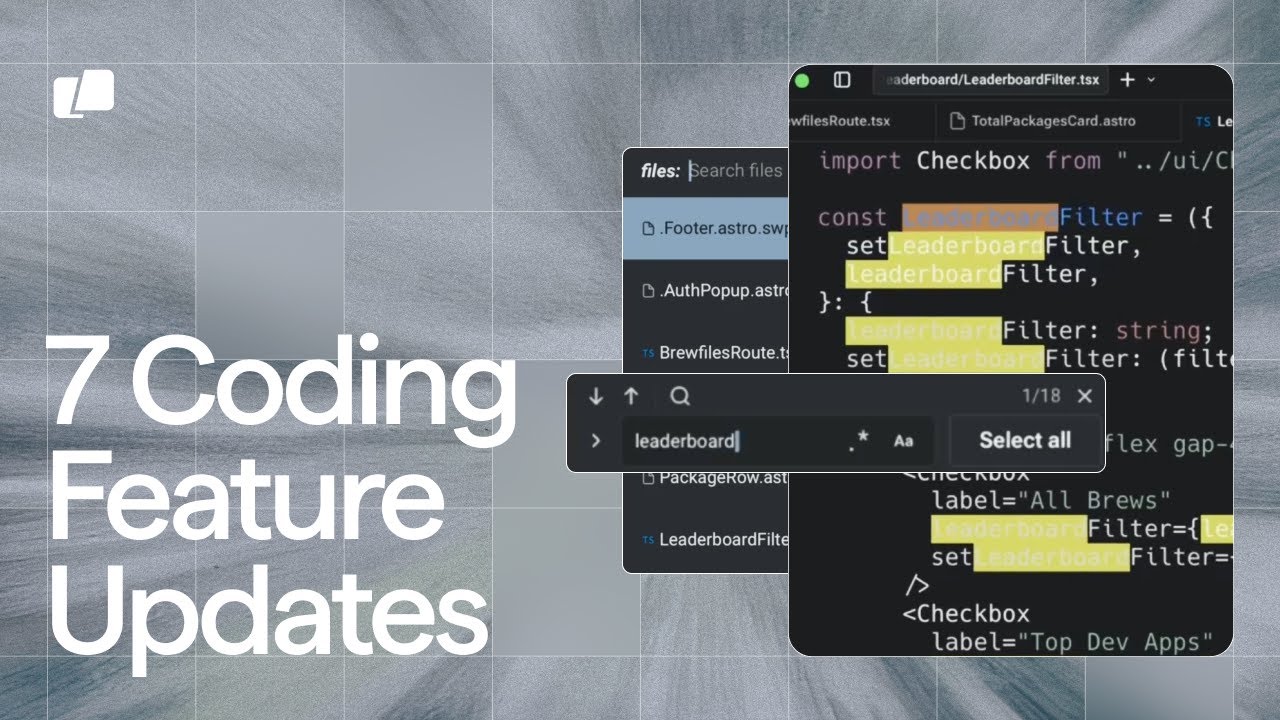
These notes are based on the YouTube video by Warp
Key Updates in Warp
Warp has introduced several updates to enhance the coding experience. These updates include:
- Searching files support
- Tabbed file viewer for easier navigation
- Find and replace support with regex capabilities
- Syntax highlighting support for additional frameworks
- File links and direct links to lines of code
- Agent surfacing code blocks for improved transparency
- Collapsible blocks for a less cluttered UI
Searching and Navigation
The updated searching functionality allows users to quickly find files within their project. This feature eliminates the need to memorize file locations or type out full paths. While the exact keyboard shortcuts for file search are not specified in the official demo, Warp has introduced file search, making it easier for users to navigate their projects.
Find and Replace
Warp now supports find and replace within files, including support for regex searches. Users can utilize the find and replace feature to search for specific words or phrases. For example:
leaderboard.*This regex query can be used to find all variable names starting with “leaderboard”. Note that while find and replace is supported within files, the scope of this feature, such as its application to code diffs, should be verified in official documentation or the app itself.
Syntax Highlighting
Syntax highlighting is now supported for additional frameworks, including:
- PowerShell
- Kotlin
- Swift
- Toml
- PHP
- Lua
- Ruby
- HCL
- Groovy
This feature enhances the coding experience by providing clear visual cues for different code elements.
File Links and Code Blocks
Warp now provides direct links to lines of code, allowing users to quickly navigate to specific sections of their project. The agent also surfaces code blocks, providing transparency into its actions and enabling users to track and verify changes in real-time. Users can click on these code blocks to navigate to the corresponding code, which can be useful for reviewing and editing.
UI Improvements
The updated UI includes collapsible blocks, reducing clutter and improving the overall coding experience. This feature is particularly useful when the agent is indexing through files, minimizing distractions and allowing users to focus on their code.
Summary
The latest updates in Warp aim to enhance the coding experience by providing improved searching, navigation, and editing capabilities. With features like find and replace, syntax highlighting, and file links, users can work more efficiently and effectively. The updated UI and agent surfacing code blocks also provide a more transparent and streamlined coding environment. For the most accurate and up-to-date information on Warp’s features and functionalities, users should consult official documentation and resources.