# These New Claude Code Features are HUGE (2.0.67)
Table of Contents
These notes are based on the YouTube video by Income stream surfers
Recent Updates to Claude Code
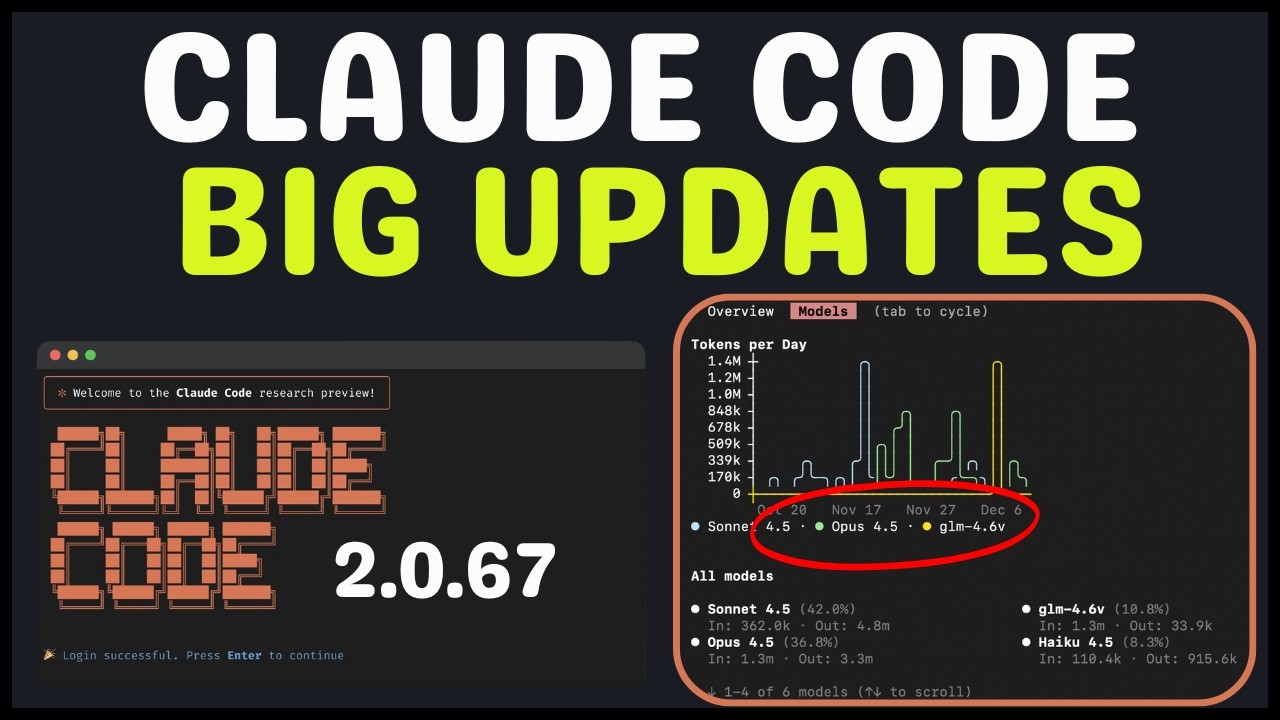
The latest updates to Claude Code, spanning versions around 2.0.67, bring several significant changes to the platform. Some of the key updates include:
- Auto-compacting is now instant, eliminating the need to wait for compacting to complete
- The introduction of
/usage, which allows users to view their token usage and spending on models - The ability to rename sessions, making it easier to manage multiple conversations
- The addition of a search function, accessible via
dashor Ctrl+r to search conversations and prompts - The ability to switch models while writing a prompt, using
option por/modelto switch
Detailed Explanation of Updates
The instant auto-compacting feature is a significant improvement, as it eliminates the need to wait for compacting to complete. This change is expected to greatly improve the overall user experience. For users looking to optimize their Claude Code experience, checking out Claude Code best practices can provide valuable insights into getting the most out of the platform.
The /usage command provides users with valuable insights into their token usage and spending on models. For example, users can view the number of tokens used in the last month, as well as the amount spent on specific models.
The ability to rename sessions is a useful feature, especially for users who manage multiple conversations simultaneously. This can be done directly, similar to saving files, and can help to reduce confusion and improve organization.
The search function, accessible via dash or Ctrl+r, allows users to quickly find specific information or conversations. This can be particularly useful for users who need to locate specific conversations or topics.
The ability to switch models while writing a prompt is a significant update, as it allows users to change models without having to start over. This can be done using option p or /model to switch, and can help to improve the overall efficiency of the platform. As seen in Anthropic releases method to 10× Claude Code / Opus 4.5, optimizing model usage is crucial for achieving the best results.
Additional Updates
Other updates to Claude Code include:
- The addition of connectors, which provide users with access to a range of integrations, including various Model Context Protocol (MCP) additions
- The introduction of a new plan mode, which allows users to create and implement plans without worrying about compacts
- The option to toggle thinking mode, which is suggested for Opus 4.5 and can be enabled via Tab (sticky across sessions), to improve the overall quality of the model
🔗 See Also: 5 Claude Code MCP Servers You Need To Be Using 💡 Related: I Went Deep on Claude Code—These Are My Top 13 Tricks
Summary
The recent updates to Claude Code bring several significant improvements to the platform, including instant auto-compacting, the introduction of /usage, and the ability to switch models while writing a prompt. These updates are expected to greatly improve the overall user experience, and provide users with more efficient and effective ways to manage their conversations and workflows. Additionally, the introduction of connectors and the new plan mode provide users with access to a range of integrations and tools, further enhancing the capabilities of the platform. For the most accurate and up-to-date information, it’s always best to consult the official Claude Code documentation and recent Anthropic announcements.