# How Claude Code Hooks Save Me HOURS Daily
Table of Contents
These notes are based on the YouTube video by Better Stack
Introduction to Claude Code Hooks
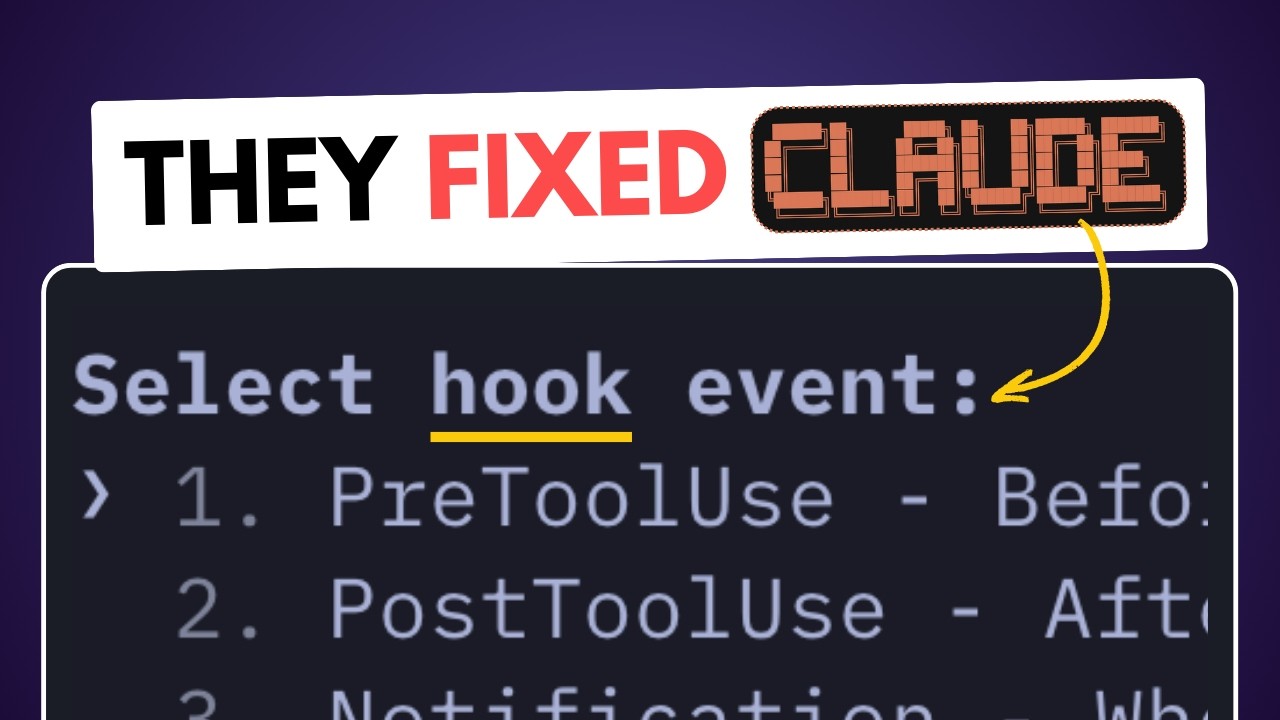
Claude Code hooks are a powerful feature that allows users to run custom scripts automatically for specific events. There are six types of hooks:
- PreToolUse
- PostToolUse
- Notification
- Stop
- SubagentStop
- UserPromptSubmit
Creating Custom Hooks
To create a custom hook, use the hooks slash command. This will display a warning, as hooks are commands that run without confirmation. To create a hook, follow these steps:
- Choose a hook type (e.g., PreToolUse)
- Specify the script to execute for the chosen hook event
- Ensure the script is executable in the environment where Claude Code runs
- Save the hook configuration according to the Claude Code interface or platform guidelines
Hook Input and Scripting
Hooks receive structured data (often JSON) as input, which can be used to create more detailed logs or trigger specific actions. For example, a script can be written in any language that can process the input and produce the desired output to take the hook input and create a JSON log:
{ "tool": "bash", "command": "ls -l"}This log can be used for auditing or improving tool usage. Note that while scripts can be written in any language, they must be executable in the environment where Claude Code runs, which may require additional setup for non-shell scripts.
Exit Codes and Error Handling
In a script, triggering an exit code of 2 will block the tool call or prompt and show an error to Claude or the user, depending on the hook type. This can be used to block specific commands. For example, a hook can be created to block Claude from using NPM:
# use bun hookif [ "$TOOL" == "npm" ]; then echo "Error: NPM is not allowed." exit 2fiThis script blocks NPM and outputs an error; to automatically reroute the command to an alternative like bun, additional scripting logic would be required.
Advanced Use Cases
Hooks can be used for a variety of purposes, such as:
- Showing linting errors
- Blocking access to sensitive files
- Playing audio notifications
- Sending notifications to a phone
Summary
Claude Code hooks provide a high level of control and customization, allowing users to automate specific tasks and improve their workflow. By creating custom hooks and using exit codes, users can tailor their experience to their specific needs. With the ability to write scripts in any executable language and trigger alternative actions, the possibilities are extensive. Understanding the precise behavior of hooks, including how they are created, saved, and interact with the model, is crucial for maximizing their potential.