# Claude Code Plugins Just Changed My Workflow Forever
Table of Contents
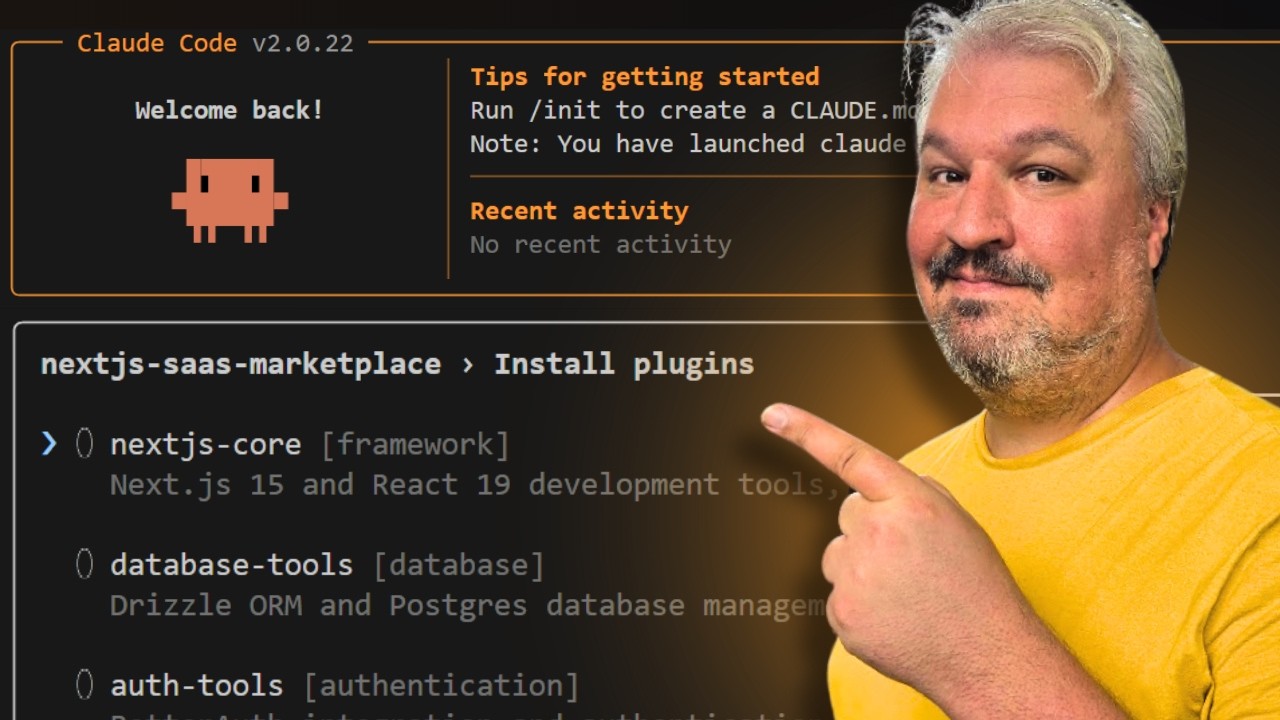
These notes are based on the YouTube video by Leon van Zyl
Introduction to Claude Code Plugins
Claude Code plugins are a lightweight way to package and share custom commands, sub-agents, hooks, and MCP servers. This feature allows users to easily share and install plugins from other developers, making it a standard way to bundle and share Claude Code customizations. As discussed in Claude Code Agents: The Feature That Changes Everything, this feature has the potential to revolutionize the way we work with Claude Code.
Key Features of Plugins
- Plugins can contain a combination of custom commands, sub-agents, hooks, and MCP servers
- Plugins can be easily installed and managed using the
/plugincommand - Plugins can be shared and installed from other developers using a marketplace
- Marketplaces can be deployed to GitHub, allowing for open-source maintainers to make changes and ensure correct usage
Using Plugins and Marketplaces
To use a plugin, you need to:
- Add a marketplace using the
/plugin marketplace addcommand - Install the desired plugin from the marketplace
- Access the installed plugin using the
/plugincommand To create a marketplace, you need to: - Create a new repository on GitHub
- Set up the repository structure with a
marketplace.jsonfile to define the marketplace
🔗 See Also: How Claude Code Hooks Save Me HOURS Daily for more information on how to optimize your workflow with Claude Code.
Creating a Plugin
A plugin is a collection of agents, hooks, MCP servers, and slash commands that relate to a specific feature. To create a plugin, you need to:
- Create a new folder for the plugin
- Create a
.claude-pluginfolder and aplugin.jsonfile to define the plugin - Add custom commands, agents, and MCP servers to the plugin folder as needed For example, you can use MCP servers to turn Claude into a marketing analyst, as shown in How to Turn Claude Into a Marketing Analyst With MCP in Less Than 5 Minutes.
Example Plugin Structure
{ "name": "website-dev", "description": "Tools for building websites", "version": "1.0", "author": { "name": "Your Name", "email": "your@email.com" }}Adding Commands to a Plugin
To add a custom command to a plugin, you need to:
- Create a new file in the
commandsfolder - Define the command using a markdown file with a description and prompt
Adding Agents to a Plugin
To add an agent to a plugin, you need to:
- Create a new file in the
agentsfolder - Define the agent using a markdown file with a name, description, and model
Adding MCP Servers to a Plugin
To add an MCP server to a plugin, you need to:
- Create a new file called
.mcp.jsonin the plugin folder - Define the MCP server configuration using a JSON object
Sharing a Plugin
To share a plugin, you need to:
- Initialize the plugin folder as a GitHub repository
- Create a commit and publish the branch
- Share the URL to the repository with others
💡 Related: Anthropic releases method to 10× Claude Code / Opus 4.5 for more information on the latest developments in Claude Code.
Summary
Claude Code plugins provide a powerful way to share and install custom commands, sub-agents, hooks, and MCP servers. By creating and sharing plugins, users can simplify their workflow and collaborate with others more effectively. With the ability to deploy marketplaces to GitHub, plugins can be easily shared and maintained, making it a valuable feature for Claude Code users.