# Claude Code Design V3 is ABSOLUTELY INSANE (Plugins)
Table of Contents
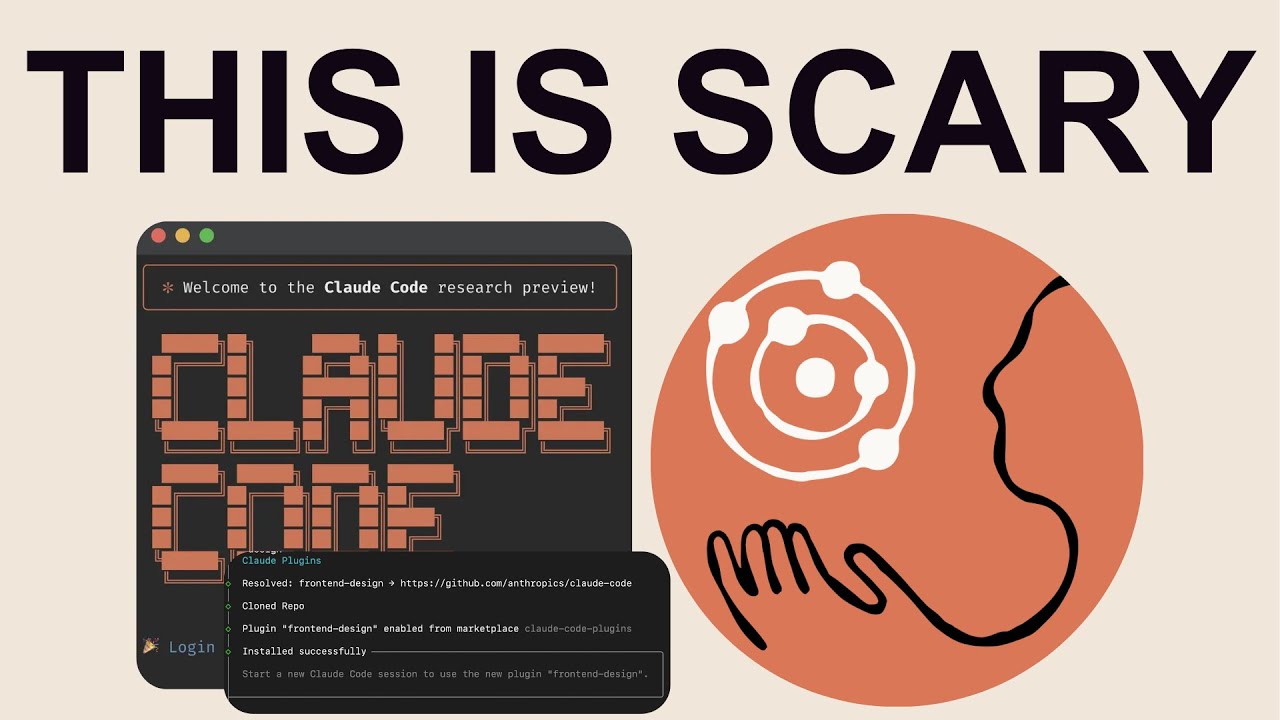
These notes are based on the YouTube video by Income stream surfers
Overview of Claude Code Design V3
The Claude Code Design V3 is a powerful tool in the field of AI-powered frontend design. With the help of Opus and Claude Code plugins, users can transform AI-generated designs into more refined and polished designs. As seen in The EASIEST way to build iOS apps with Claude Code (Opus), this process has the potential to significantly impact the way we approach frontend design.
Key Takeaways
- The process assumes that the user has already installed ClaudeCode and has a basic understanding of Convex and AI implementation. For more information on best practices, see Claude Code best practices.
- The user should start by building their backend on Convex and integrating it with AI to create an AI implementation.
- The frontend design plugin can be installed by visiting the
claude-plugins.devwebsite and copying the command provided. - The plugin allows users to create a design system that can be applied to the rest of the website.
Installing the Frontend Design Plugin
To install the frontend design plugin, follow these steps:
- Visit the
claude-plugins.devwebsite and scroll down to the frontend design section. - Click the copy button and then run the command in your terminal:
cd ../../mkdir skills-plugin-testcd skills-plugin-test- Then, copy the command provided on the website and run it in your terminal.
- Start Claude Code by typing
claudeand then activate the frontend design plugin by typingplease start the frontend skills plugin.
🔗 See Also: These New Claude Code Features are HUGE
Building a Backend with Convex and AI
To build a backend with Convex and AI, follow these steps:
- Start a new Convex project and integrate it with AI.
- Use a suitable model to generate code that can be used for conversation and image generation.
- Build the backend AI functionality using the generated code.
Creating a Design System
To create a design system, follow these steps:
- Install the frontend design plugin and activate it.
- Ask the plugin to create a design for your application.
- Apply the resulting design as a design system across the site.
💡 Related: Claude Code’s New Native Skills Just Changed Everything
Example Use Case
According to the creator, they used this process to build an AI application, with a strong design system. The application generates social media posts and has a polished design.
Summary
The Claude Code Design V3 is a powerful tool that can help users create refined and polished designs. By following the process outlined above, users can build a backend with Convex and AI, install the frontend design plugin, and create a design system that can be applied to the rest of the website. This process has the potential to significantly impact the way we approach frontend design and can help users build fast AI applications with database authentication and SEO.